NoCapOS installs on top of Debian, Ubuntu, Raspberry Pi OS, Fedora or Arch and turns the machine into a personal cloud: a frosted-glass desktop in your browser with an App Store, Files, Photos, Backups, ZFS storage, network sharing and a root terminal — a home server you run from a real desktop.
NoCapOS runs as root on your machine, so it can manage the whole box, and every change is admin-only and written to an audit log.
Glass desktop
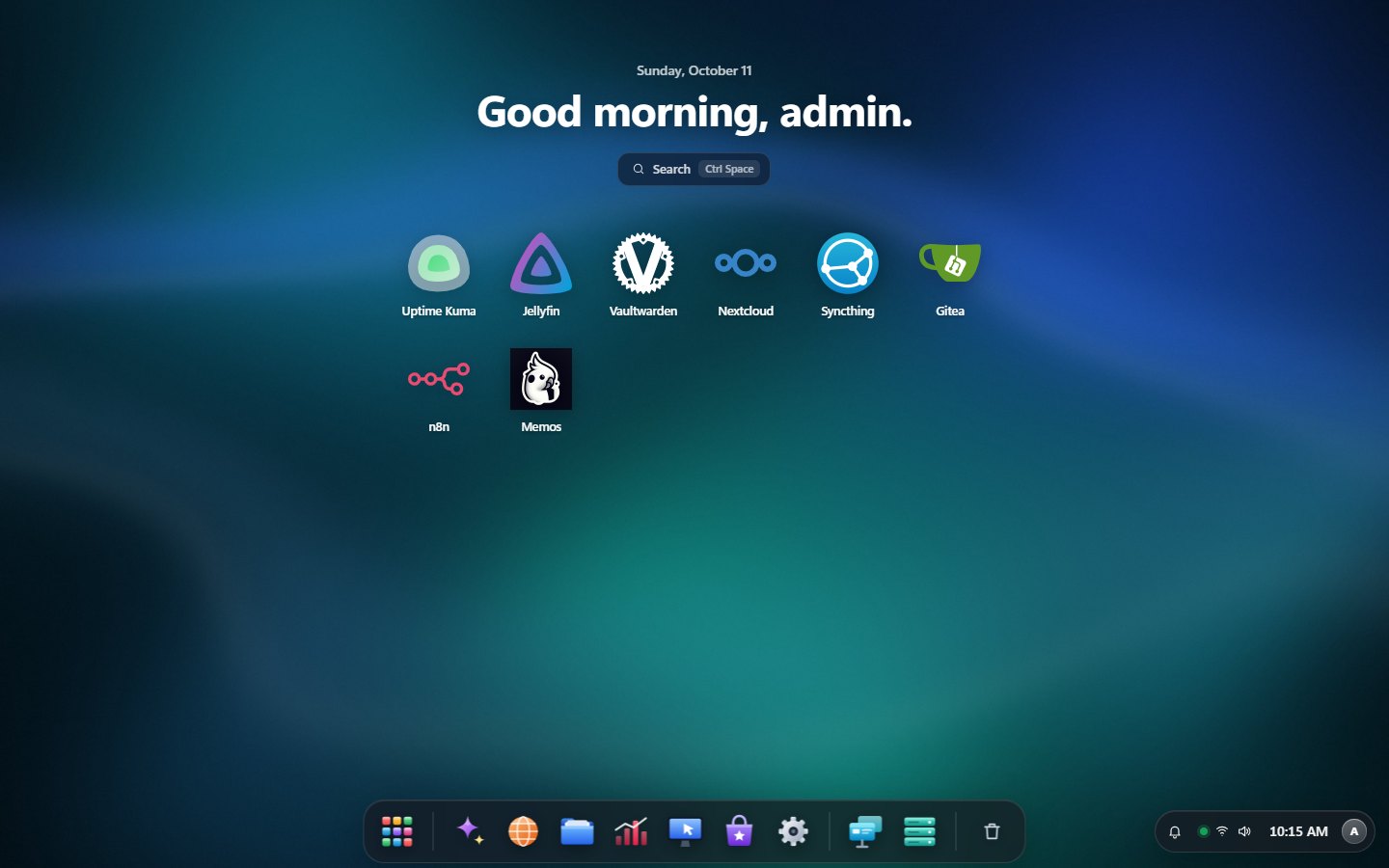
A frosted-glass desktop with 10 wallpapers and a Transparency slider, glossy app icons, and a menu bar on the wallpaper with your profile and account menu.
App Store
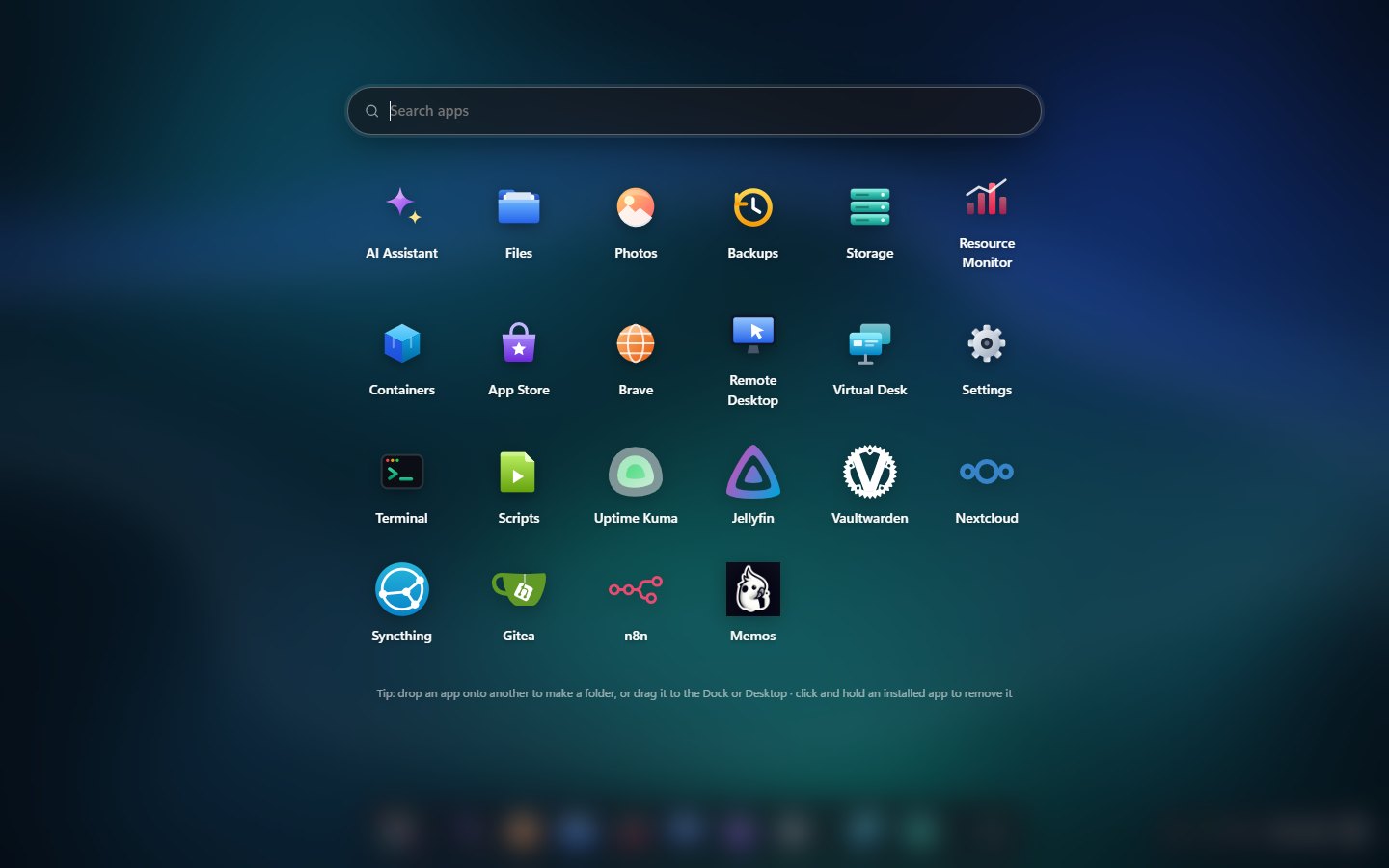
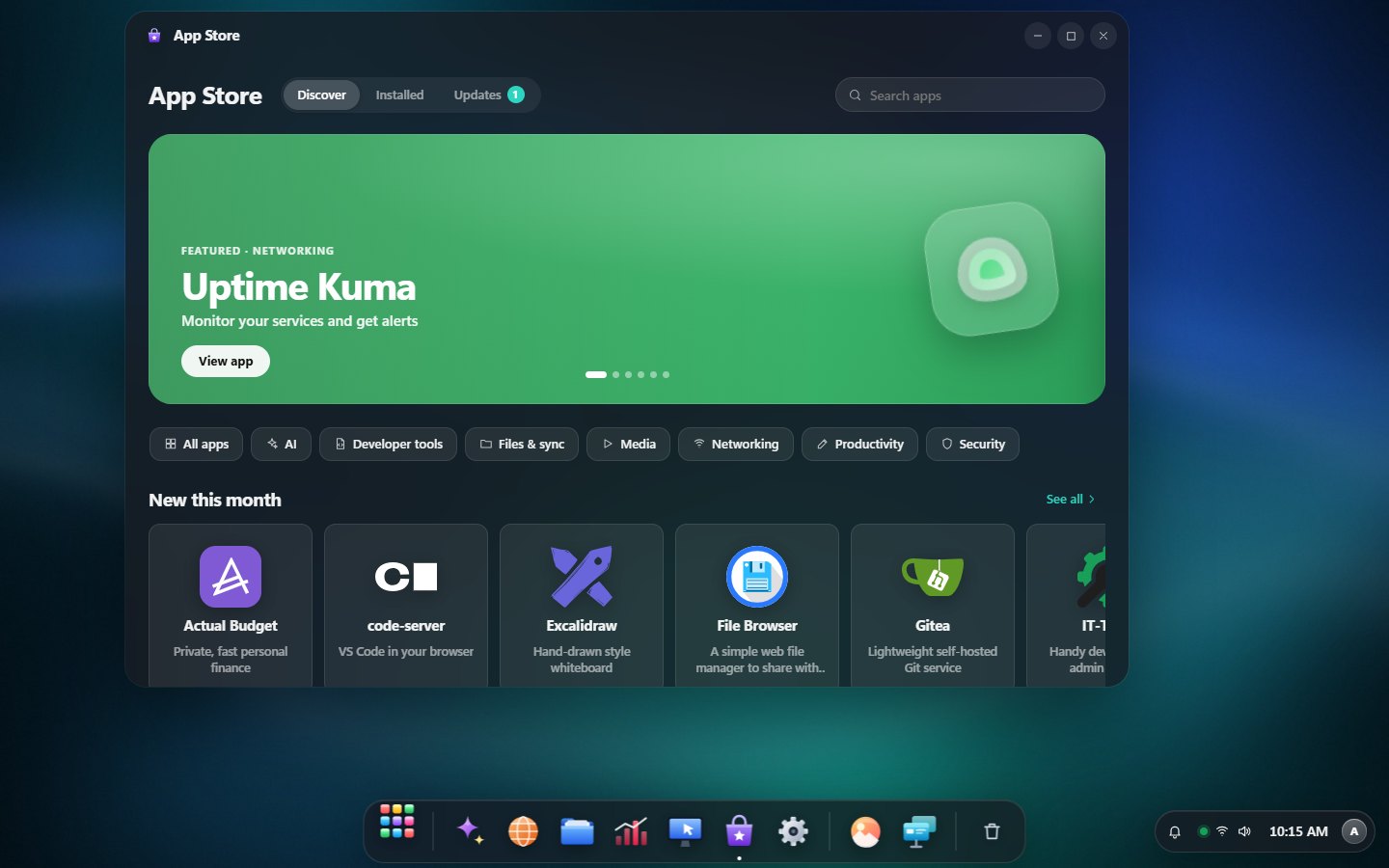
One-click Jellyfin, Nextcloud, Open WebUI + Ollama, Vaultwarden, Syncthing, Gitea, code-server, n8n and more, with updates and release notes. Click and hold to remove.
Files
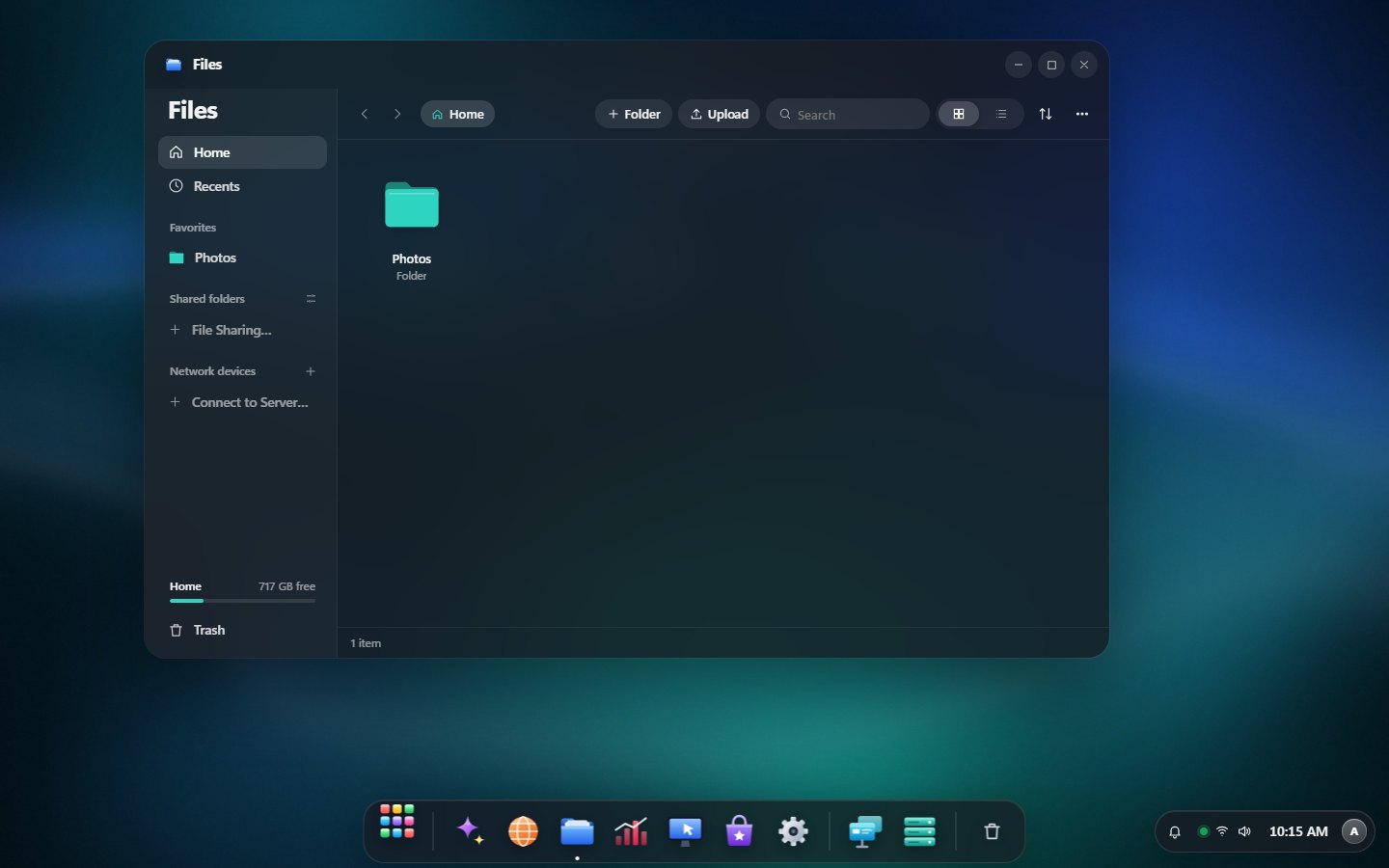
Home, Recents, Favorites, shared folders, network devices and external drives, with quick look, zip/tar, Trash and protected system folders.
Photos
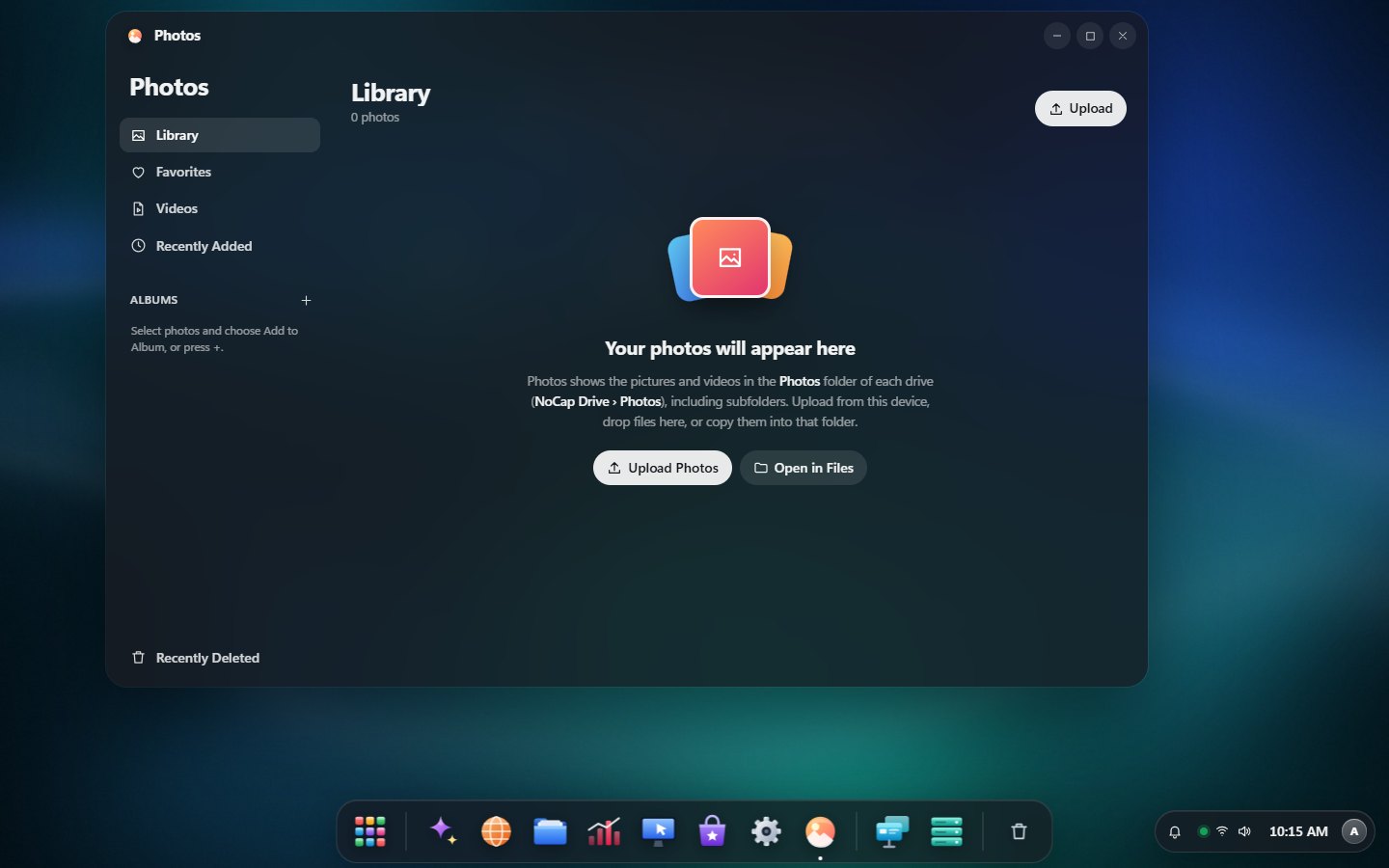
A timeline by years, months and days, albums, favorites, a viewer with camera details, and Recently Deleted.
Backups & Rewind
Encrypted, scheduled backups to a drive, SFTP or S3/B2, and Rewind to bring back any file from any day.
Storage & ZFS
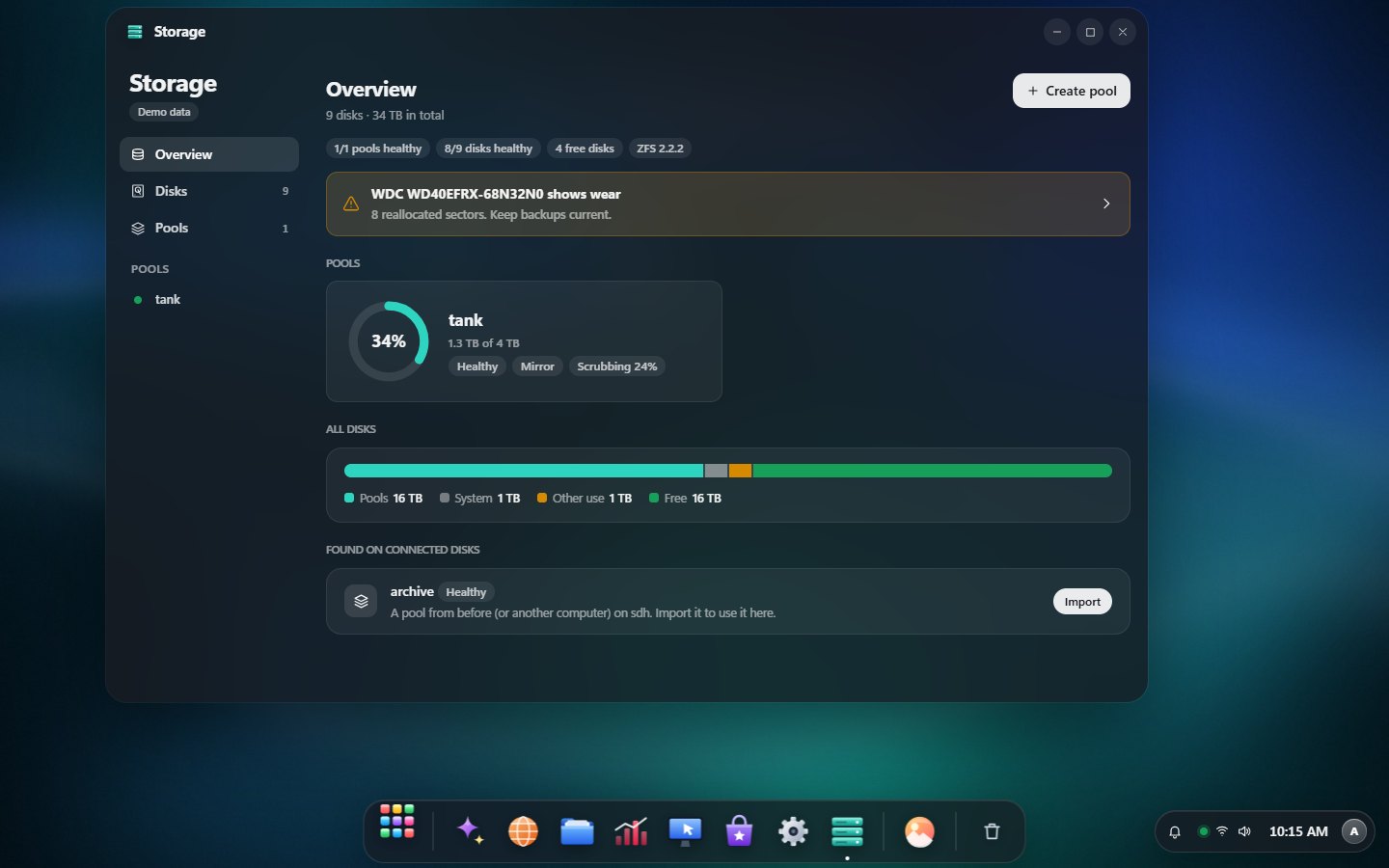
Disk health (SMART), ZFS pools (mirror, RAIDZ1/2/3), datasets, snapshots and scrubs. Erasing always needs a typed confirmation.
Shared folders
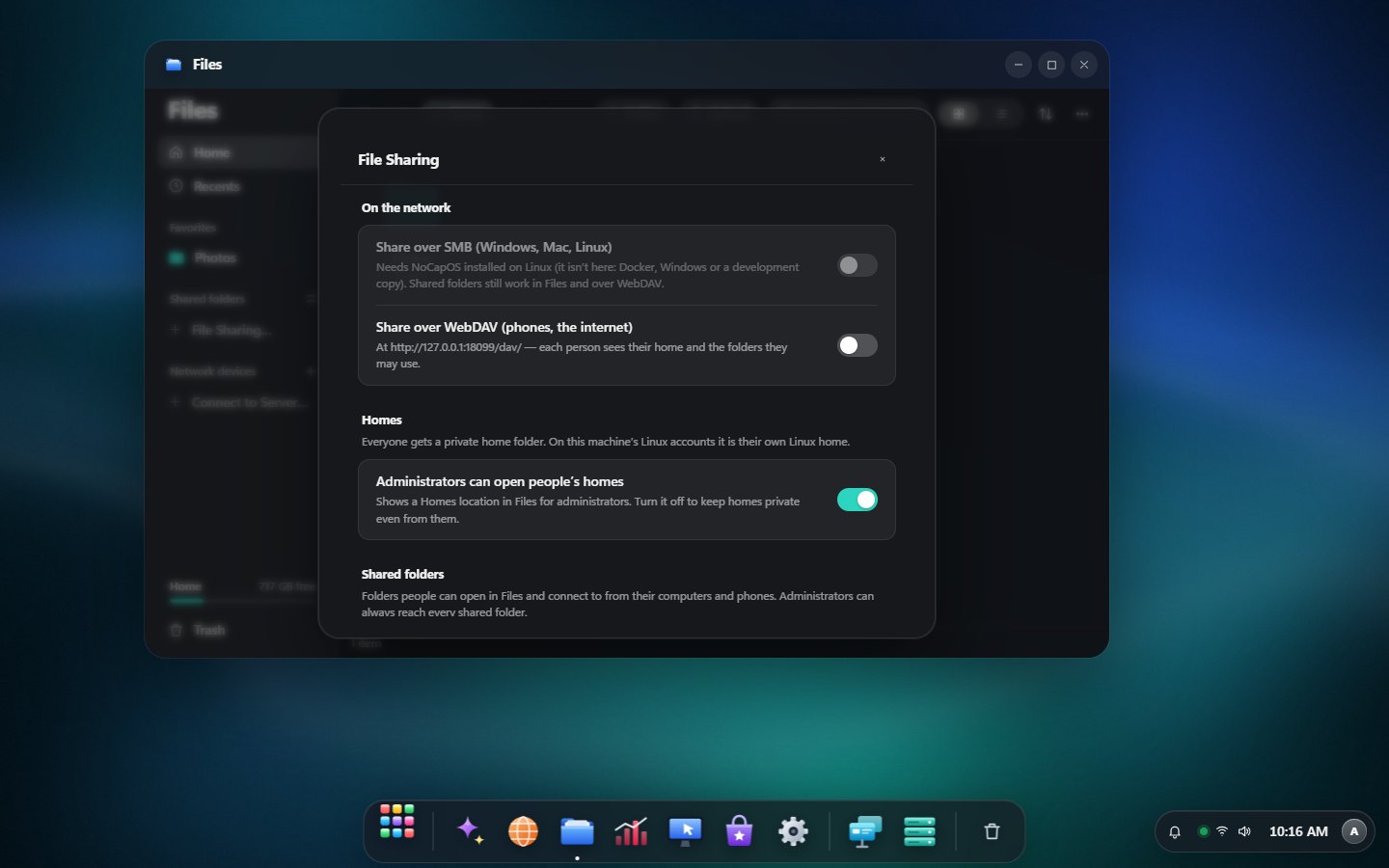
Create shared folders in Files and give each person Read/Write, Read only or No access. They connect over SMB or WebDAV with their own password. Plus SMB/NFS drives and Cloud Imports.
Virtual Desk
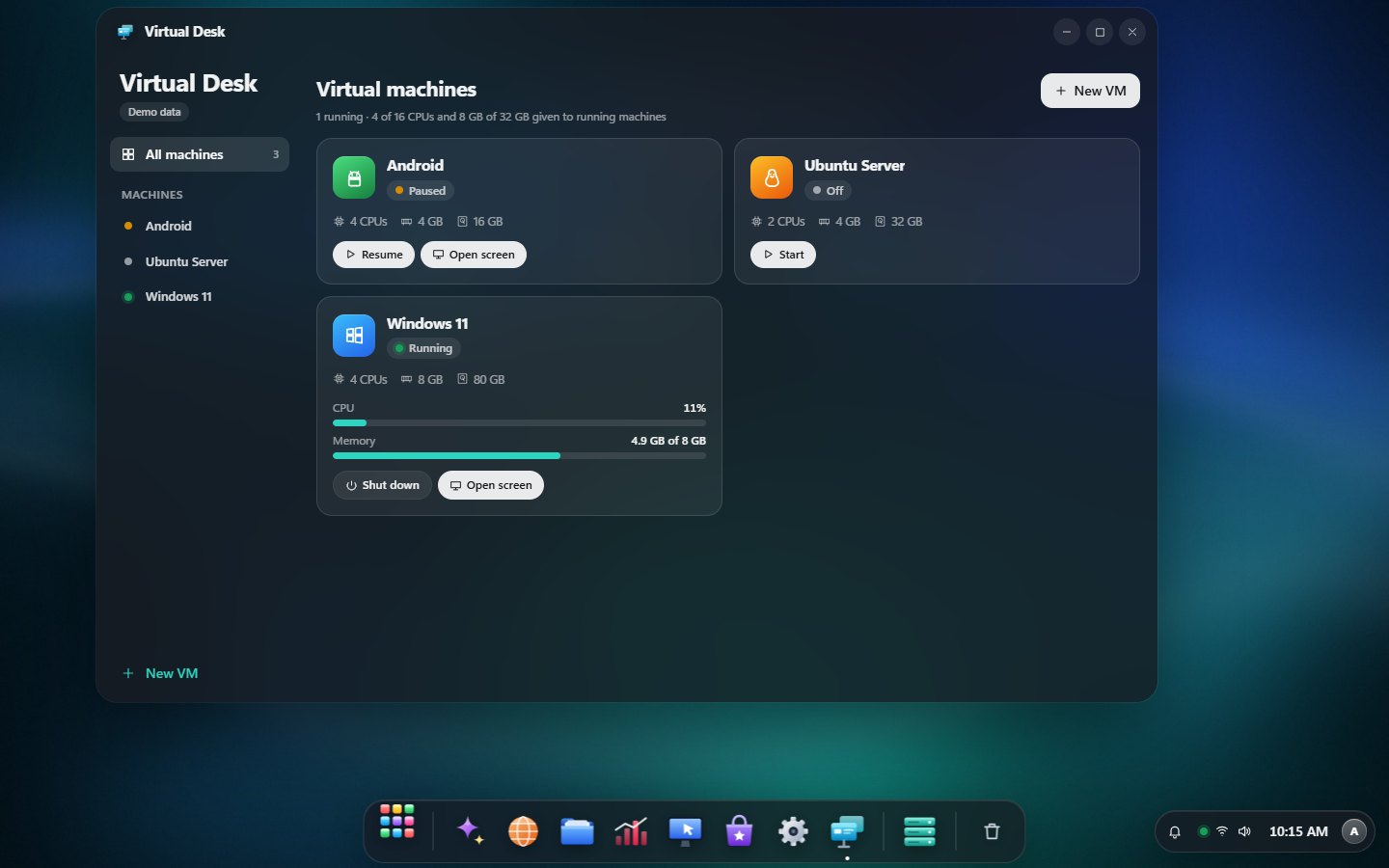
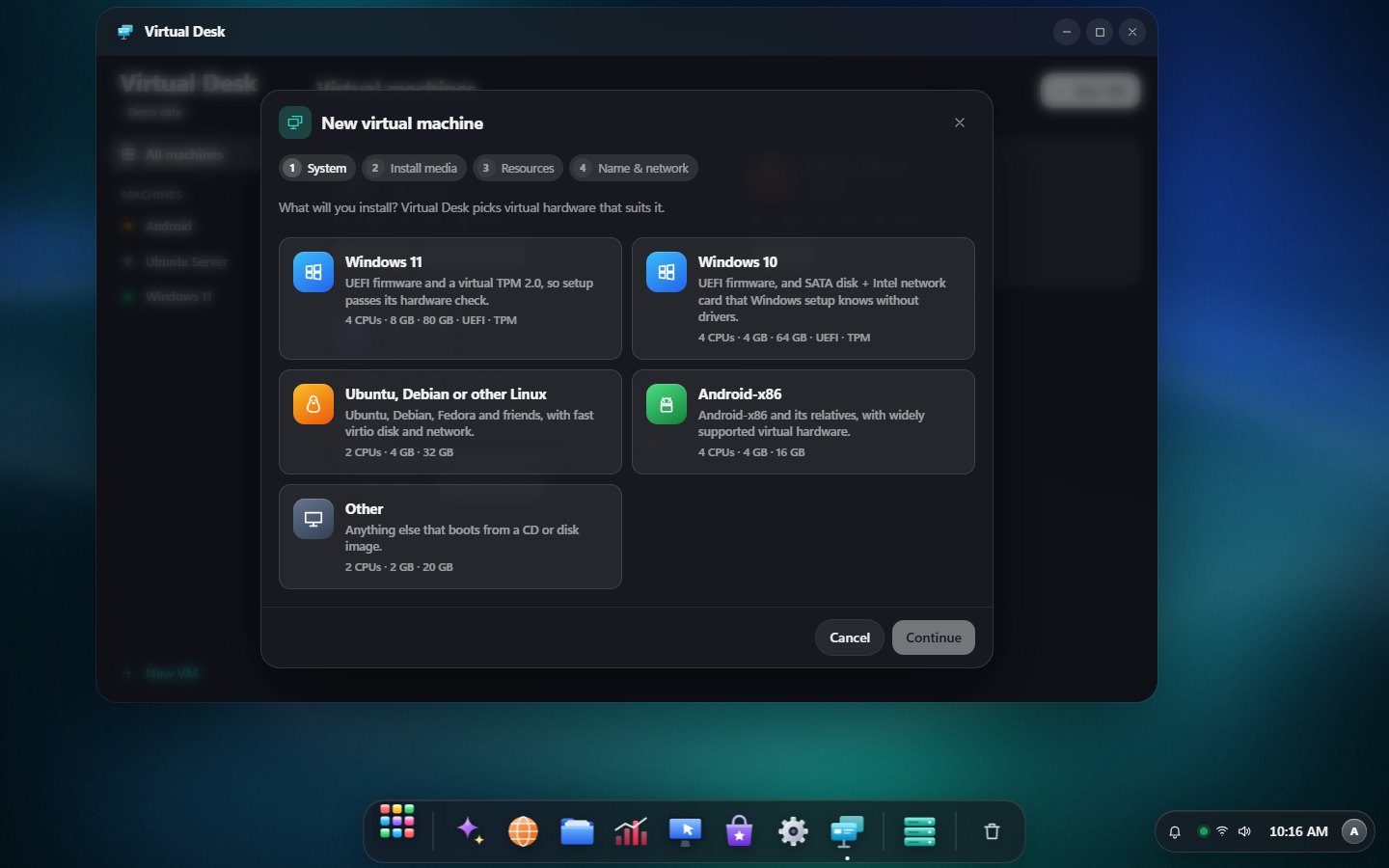
Run Windows, Linux and Android virtual machines: a four-step New VM wizard, live usage, snapshots, and each machine's screen in its own window.
Notifications
Updates, app updates, app errors, storage and backups. macOS-style banners with the menu-bar desktop, Windows-style toasts with the taskbar.
Docker, your way
Edit any container (ports, folders, macvlan/ipvlan networks, environment, limits), create networks and run Compose stacks.
Root terminal
A real shell on the server, or inside any container, right in the browser.
A space for everyone
Each person gets a private Home (their own Linux home), sees only the folders and apps you allow, and keeps their own look. Plus Wi-Fi, static IPs and updates.
Monitor & more
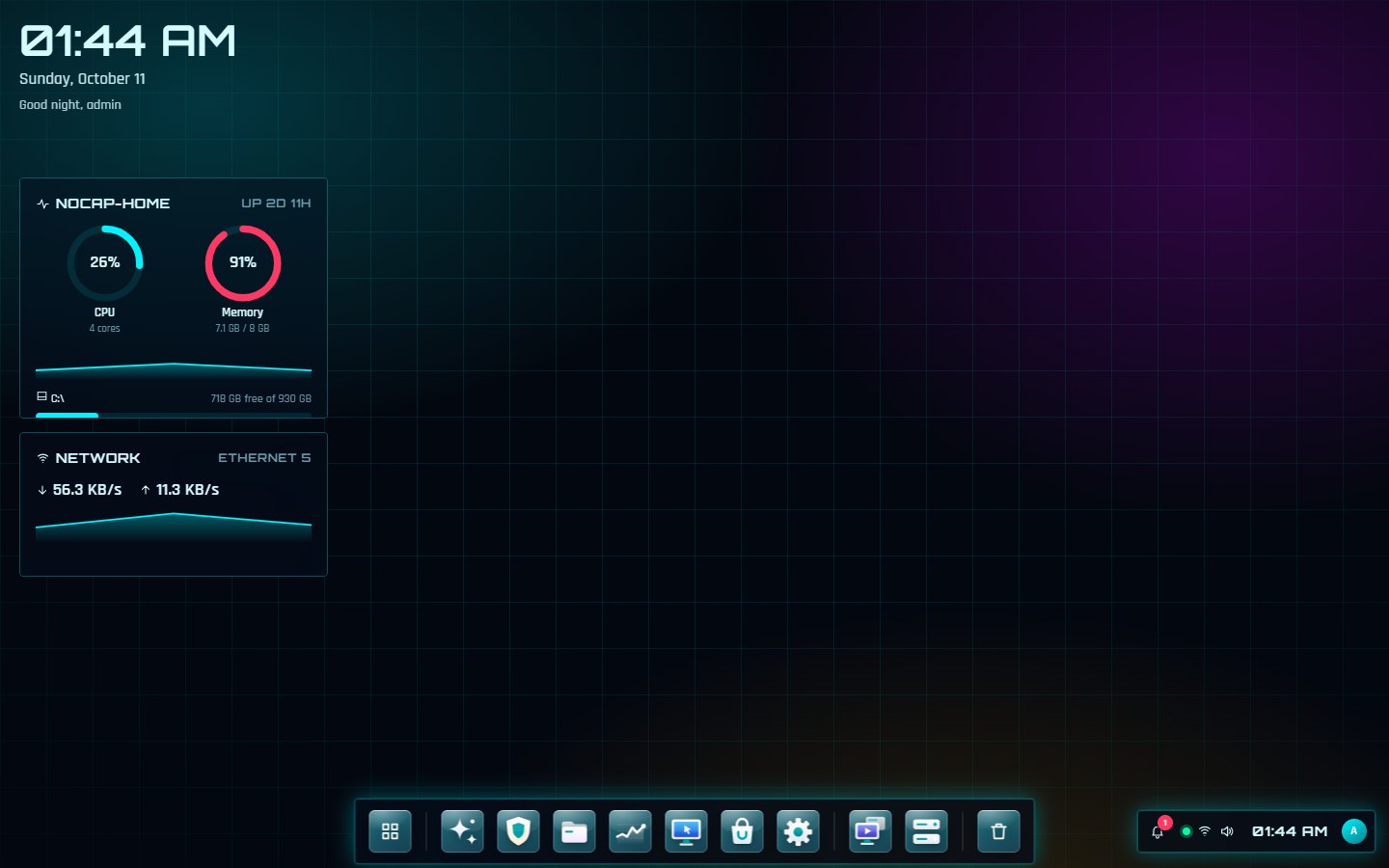
Live CPU, memory, disks, network and GPUs, plus Remote Desktop, a Brave browser, one-click scripts and a local AI assistant.
Secure by default
argon2id passwords, two-factor sign-in, rotating sessions, an audit log of every admin action and protected system folders.
Screenshots
Looks like an OS, because it is one.
Real screenshots of NoCapOS running on a Linux server.
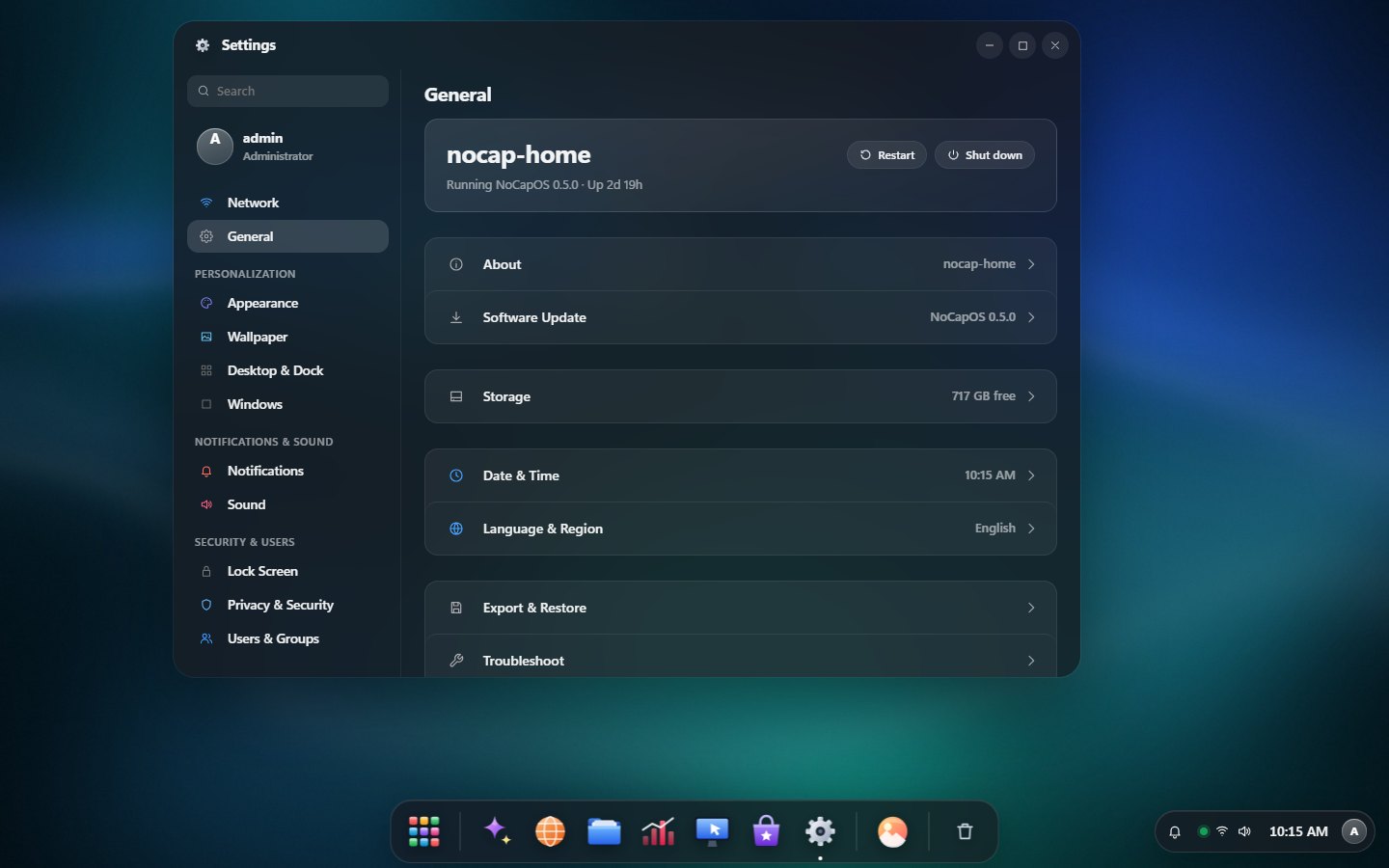
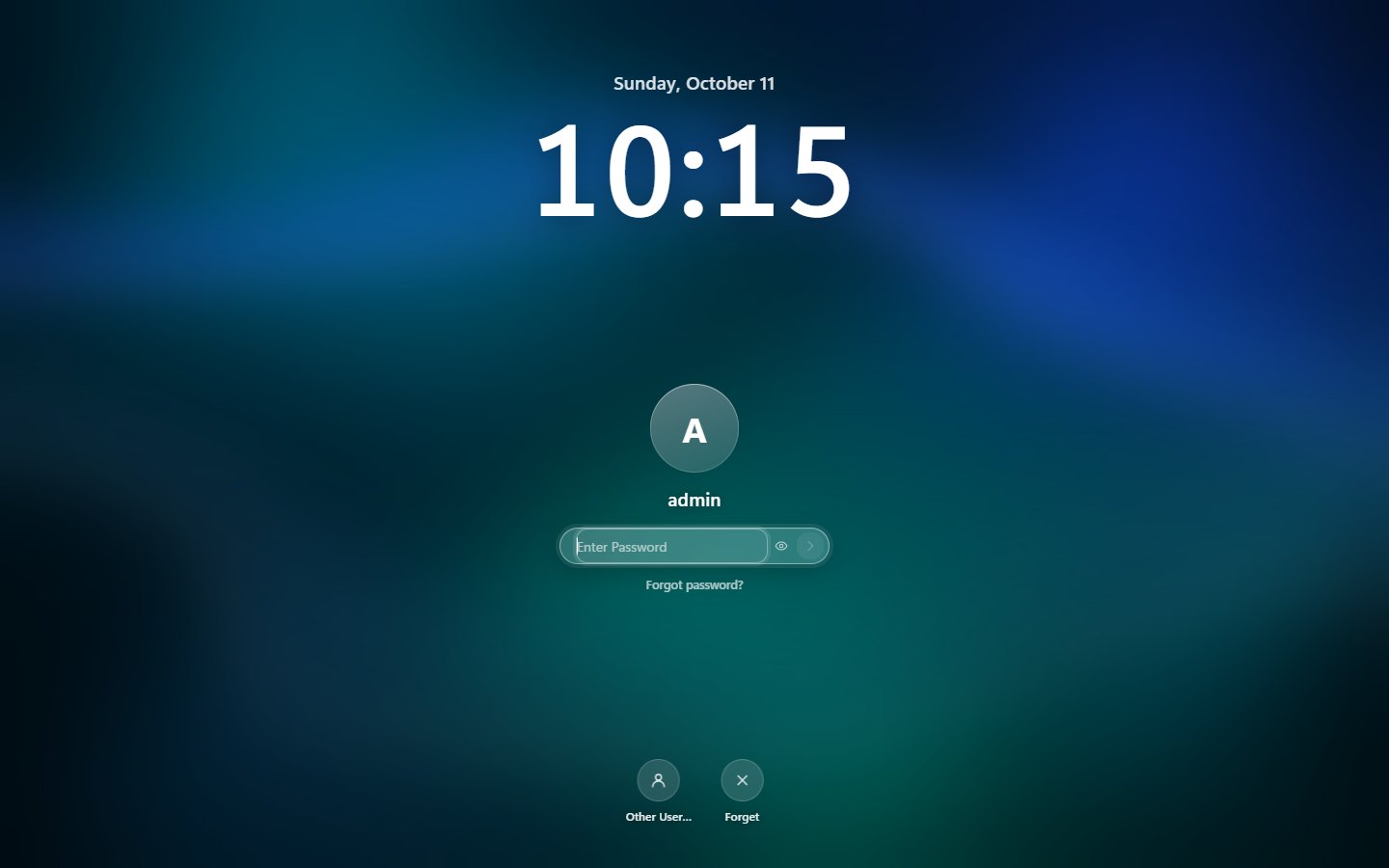
LaunchpadGlossy icons for NoCapOS apps, real icons for installed apps.FilesFavorites, recents, network devices and quick look.PhotosTimeline, On this day, albums and favorites.App StoreFeatured apps, categories, installs and updates.SettingsNetwork, General, Personalization, Security and more.StorageDisk health and ZFS pools (sample data).Virtual DeskVirtual machines with live usage (sample data).New VMPick the system, ISO, resources and network.File SharingShared folders and who may use them, right in Files.Lock screenYour photo over the wallpaper.Cyber-DeckAn optional sci-fi theme with holographic widgets.
Install
Up and running in two minutes.
Any 64-bit or ARM Linux machine with systemd: a mini PC, an old laptop, a NAS box or a Raspberry Pi 4/5.
01Run the installer
It picks the build for your CPU, checks its SHA-256 checksum, installs Docker if needed and starts the nocapos service.
The installer prints the address and a one-time setup token. Open https://your-server-ip/, accept the self-signed certificate once and enter the token.
==> NoCapOS is running.
   Open:  https://192.168.1.20/
   First-run setup token:  6962a448-…
03Options
Option
What it does
--storage /path
Where NoCap Drive keeps your files (default /srv/nocapos)
--port 8443
HTTPS port if 443 is taken
--no-docker
Skip Docker (the App Store stays off until it's installed)
--docker
Run NoCapOS itself in Docker — apps only, no control of the server
--uninstall
Remove NoCapOS; your files are never deleted (--purge also removes accounts and settings)
About the developer
Sharqan Ahamed, Sha The IT Guy
Senior IT Infrastructure Engineer and Cloud & Cybersecurity Strategist, Dubai, UAE. NoCapOS is the home server I wanted: every tool I reach for, on hardware I own, behind one clean desktop.